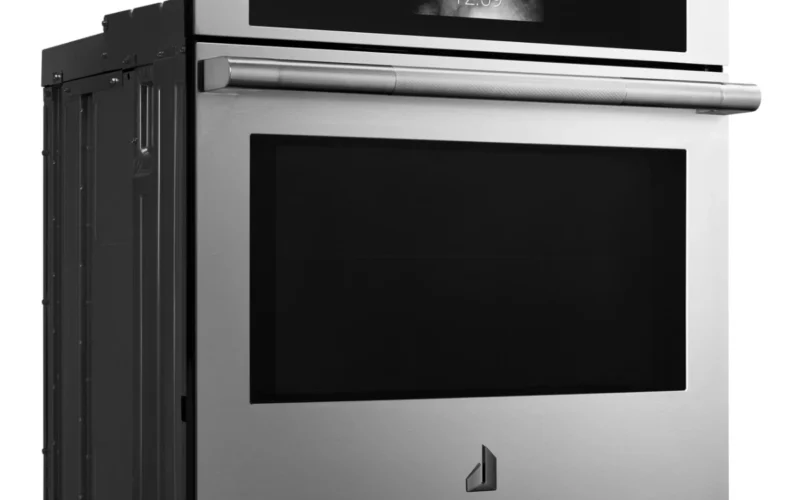
After a power outage, your JennAir wall oven may display error codes, lock the door, or fail to respond. This guide explains how to reset it properly.
What Happens During a Power Outage
When power is interrupted during operation, a JennAir wall oven may enter a fault state when electricity is restored. The electronic control board may display an error code, the clock display may flash, or the oven door may remain locked if the outage occurred during a self-clean cycle. In most cases, a simple reset clears these conditions.
Basic Reset Procedure
- Press “Cancel” or “Off” on the oven control panel to clear any active modes or error displays.
- If the display is unresponsive, go to your electrical panel and turn off the circuit breaker that supplies the wall oven.
- Wait a full 60 seconds. This allows the control board capacitors to discharge completely.
- Turn the breaker back on.
- The oven should power up with a normal display. Reset the clock to the correct time — many JennAir wall ovens will not operate until the clock is set.
If the Door Is Locked
A power outage during a self-clean cycle commonly leaves the oven door locked because the latch motor lost power before the cycle completed. To resolve this:
- Perform the breaker reset described above.
- After restoring power, wait five minutes. The control board may automatically retract the door latch once it detects the oven temperature is below the lock threshold (usually around 550 degrees Fahrenheit).
- If the door remains locked, start a new self-clean cycle and immediately cancel it after 60 seconds. This signals the latch motor to retract.
- If the door still does not unlock, the latch motor may have jammed. Do not force the door — this can damage the latch mechanism. A technician can manually release it.
Common Error Codes After Power Outage
- F5 E1 or F5 E2 — door lock or latch error. Follow the locked-door procedure above.
- F2 E0 — oven temperature exceeded the safe limit. This can appear if the outage interrupted a self-clean cycle. Perform the breaker reset and the code should clear.
- F1 E0 or F1 E1 — control board communication error. The breaker reset usually resolves this. If it recurs, the control board may have been damaged by a power surge.
Preventing Issues from Power Outages
- Use a surge protector — a whole-house surge protector on your electrical panel protects the oven’s control board from voltage spikes when power is restored.
- Avoid self-clean during storms — the self-clean cycle is the most sensitive to interruption because of the door lock mechanism and extreme temperatures.
- Note your settings — if you use custom calibration offsets, sabbath mode settings, or other personalized configurations, record them. A hard reset can occasionally restore factory defaults.