
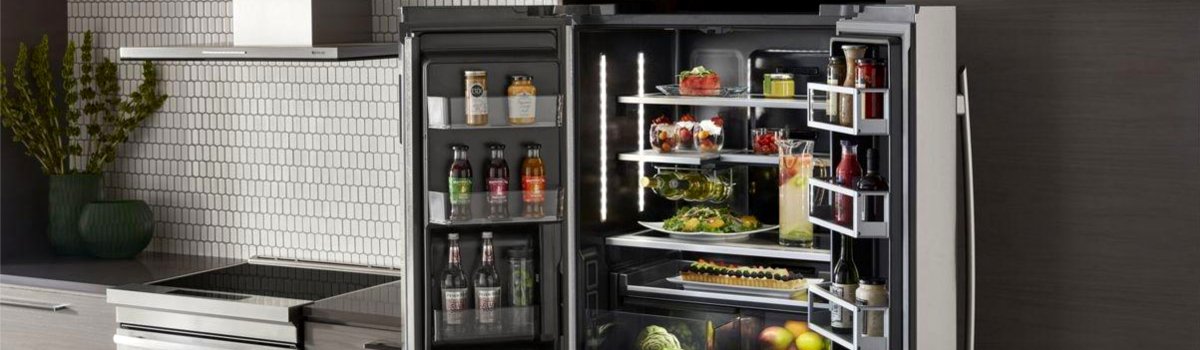
If your Jenn-Air refrigerator flashes Error Code PS, the fridge is telling you there’s a problem with the pantry/custom drawer temperature sensor (sometimes called a deli/pantry thermistor). That small sensor reads the drawer’s temperature so the control can keep produce, deli meats, or beverages at a set range. When the reading doesn’t make sense—or the control can’t “see” the sensor—you’ll get PS and, often, warmer temps in that drawer.
What Exactly Is Failing (Plain English)
In normal operation, the pantry/custom drawer has a dedicated sensor that constantly reports temperature back to the main control. If the sensor is open, shorted, unplugged, or sending erratic data, the control throws PS and may default the drawer to a safe mode. That can mean poor cooling in the drawer, food not holding, or the feature controls (chill/soften/produce) acting weird.
Common symptoms:
- Pantry/custom drawer warmer than set point
- Drawer UI (if present) not responding or stuck
- Intermittent beeping or PS code returning after a power reset
- Iceing/condensation isolated to the drawer area
Quick Safety Note (Read First)
Before any hands-on checks: unplug the refrigerator or switch off the dedicated breaker. You’ll be around wiring and moving parts; take your time and protect the door gaskets and slides from damage.
Likely Causes (Most to Least Common)
- Loose or oxidized connector at the pantry/drawer sensor harness
- Failed thermistor (the tiny temperature sensor embedded near/under the drawer)
- Damaged harness from drawer motion (pinched, rubbed, or cracked insulation)
- Moisture intrusion at the sensor pocket after spills or aggressive cleaning
- Control board read error (rare, but possible if everything else tests good)
Step-by-Step: DIY Checks & Fixes
Start simple. If PS returns after these steps, you’re likely looking at a part replacement or professional diagnosis.
1) Soft reset and observe (no tools)
Plug the unit off for 5–10 minutes, then restore power. Watch the display as the compressor and fans ramp up. If PS clears and stays away, it was likely a transient glitch. If it returns, continue.
2) Inspect the drawer and airflow (basic tools)
- Empty the pantry/custom drawer. Look for food packages pushed up against vents.
- Slide the drawer fully out (follow your model’s removal instructions). Check for spills or frost around the sensor area.
- Wipe moisture with a soft cloth; let the cavity air-dry 20–30 minutes with doors open (protect food as needed).
3) Reseat the sensor connector (hands-on)
- With power off, locate the sensor harness leading to the pantry area (usually behind/under the drawer rail or a small cover).
- Unplug/replug the connector firmly. Look for bent pins, corrosion, or a half-latched clip.
- Route the harness so it doesn’t rub when the drawer opens/closes.
4) Check the sensor for damage (visual)
- Look for nicks in the wire, crushed spots from drawer slides, or a sensor probe that’s loose from its pocket.
- Any visible damage usually means replacement is the right move.
5) When to replace the sensor (practical rule)
If the code returns immediately after a reset and connectors look clean, the thermistor is likely bad. On many Jenn-Air models, the pantry sensor is a low-cost part and replaces with basic hand tools (clip/cover off, sensor out, new one in, reconnect). If you’re not fully comfortable working around cabinet liners or wiring, skip to pro help.
Pro Diagnosis (What a Technician Will Do)
A qualified tech will:
- Measure sensor resistance at room temp and compare to spec
- Inspect/repair the harness along the drawer slides and through the cabinet pass-through
- Verify the control input is reading the sensor correctly
- Update control firmware (if applicable) and clear stored faults
If the sensor ohms out correctly and the harness passes a wiggle test, the tech will test the main control. Control failures are less common but do happen, especially after surges or long-term moisture exposure.
Keep It from Coming Back: Smart Prevention
Text block: The pantry/custom drawer lives in a splash-zone—spills and condensation are the sensor’s worst enemy. Gentle handling and airflow awareness go a long way.
Checklist you’ll actually use:
- Stop the spills early. Line the drawer with a washable mat; wipe up liquids immediately so they don’t wick into the sensor area.
- Mind the vents. Don’t press large containers directly against the rear/side vents; leave a little space so air can circulate.
- No wire pinch. If the drawer ever feels gritty or off-track, don’t force it. Remove, clean the rails, and ensure the harness isn’t rubbing.
- Quarterly door-seal check. A leaky gasket raises humidity and can fog the drawer zone—clean with mild soap and warm water.
- Condenser cleaning, twice a year. A cooler, efficient system keeps temperatures stable everywhere—including the pantry drawer.
- Power protection. A quality surge protector or whole-home protection can prevent control weirdness after outages.
Error PS points straight at the pantry/custom drawer temperature sensor path—sensor, wiring, or, rarely, control. Try a reset, clear moisture, and reseat connectors. If the code returns, plan on a sensor replacement and a quick harness check. Want a zero-guesswork fix? Our factory-certified technicians handle Jenn-Air daily with OEM parts and brand-level diagnostics.